
Guide
Can four people play Star Fox on one Switch 2?
Yes. Star Fox now supports four-player split-screen Battle Mode on one Switch 2. Here is what to update, which controllers work, and how it differs from campaign co-op.
Practical guides for setting things up, playing together and working out what fits your family.


Instagram changed substantially: under-18s now default into Teen Accounts (PG-13, private for under-16) they can't opt out of, and under-16s need permission to loosen them. The feed's pull stays a conversation.
The hard part of keeping a kid off Roblox was never the blocking. It's the conversation, because saying no to the game is also saying no to where a chunk of their friendships currently live.
It's easy to file each Roblox horror story under awful but rare. Read a stack of them together and the same pattern keeps showing up, which is a lot harder to wave off.
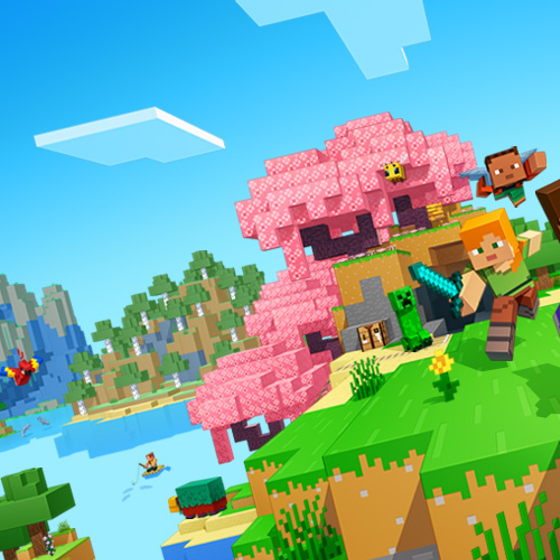
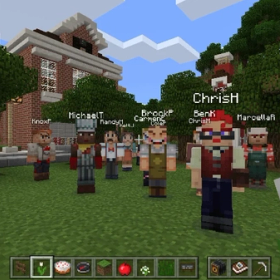
Most Minecraft advice for parents jumps to settings and editions. The thing that actually matters comes earlier: this is one of the few games where you should plan to be in there with them too.
The idea is older than it sounds and the setup takes about ten minutes. The hard part is keeping the account alive long enough for it to matter, and not overthinking what to put in it.
Most screen-time advice is written for parents preventing a problem. This is for the rest of us. The families already in it, who need a real plan for walking it back without burning the house down.
Build a kid-proof retro gaming console with a Raspberry Pi and your old cartridges. Plays NES through PlayStation. Around $80 to $130 in parts, a weekend of setup, no Linux experience required.
Typing in a fake birthday isn't age verification — it's just a question. Here’s what real, working age-gating would need to look like, and what parents can do right now.

